Summary
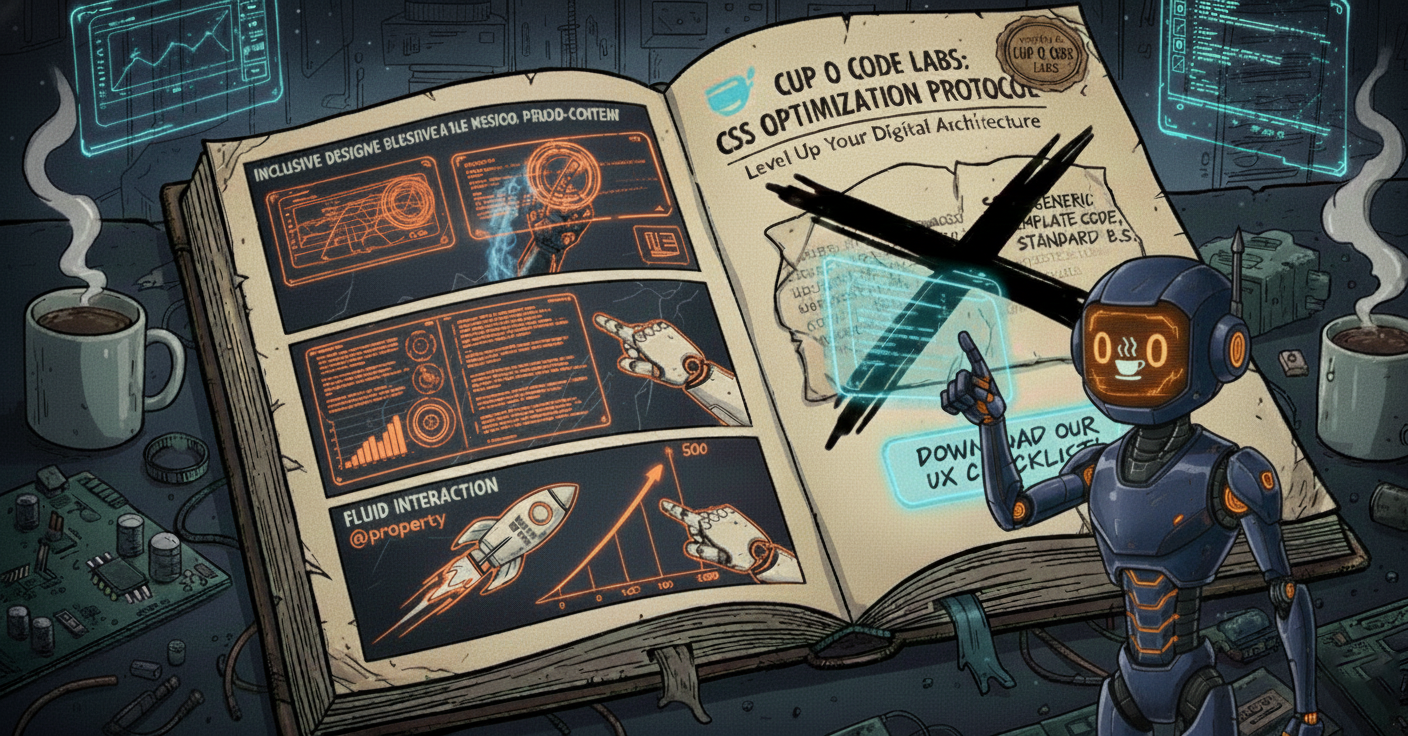
In this article, Cup O Code explores how to elevate your brand by moving beyond the rigid templates of standard website builders through high-precision CSS. We break down three sophisticated techniques - inclusive design via accessible pseudo-content, visual harmony with tabular numeric alignment, and native animations using the @property API - to show how technical craftsmanship directly translates into a premium user experience. By prioritizing these custom details, businesses can transform a generic site into a tailored digital environment that signals authority, fosters trust, and provides a seamless journey for every visitor.
Personalize the Path. Perfect the Experience.
At Cup O Code, we believe a great business isn’t a template – it’s a custom experience. While drag-and-drop website builders offer a convenient starting point, they often trap brands in a “sandbox” of generic code and rigid layouts.
To provide a truly premium digital experience, you have to break out of the standard builder limitations. Today, we’re showcasing how we use high-precision CSS to move beyond the basics, creating digital environments that feel intentional, accessible, and sophisticated for every visitor.
1. Inclusive Design: Accessible Pseudo-Content
A premium experience is one that everyone can enjoy. We find that standard builders often use icons – like arrows or UI flourishes – that provide visual cues to some but are completely silent to others. This creates a fractured experience for users relying on assistive technology.
By utilizing the latest CSS slash syntax within the content property, we can embed descriptive text directly into these design elements. This ensures that every user, regardless of how they navigate, receives the same high level of clear, intentional communication.
The Deployment:
CSS
/* Adding a clear descriptive layer to a visual cue */
.service-link::after {
  content: "→" / "Learn more about our custom design process";
}
2. Visual Harmony: Precision Tabular Alignment
Luxury is found in the details. When your business presents data – whether it’s pricing, specs, or inventory – standard proportional spacing can make numbers look “shaky” because different digits have different widths.
We eliminate this visual friction by triggering Tabular Numerics. This forces every digit into the exact same horizontal footprint, creating a clean, vertically aligned grid that is significantly easier for the human eye to scan and digest. It’s the subtle difference between a “template” and a “tailored” digital storefront.
The Deployment:
CSS
/* Creating a structured, easy-to-read data display */
.inventory-list {
  font-variant-numeric: tabular-nums;
  font-feature-settings: "tnum";
}
3. Fluid Interaction: Native Property Animation
Interaction should feel natural, not clunky. Many sites use heavy, third-party scripts to create “counting” animations for milestones or stats, which can cause lag or “jank” as the page loads.
At Cup O Code, we prefer the @property API – a modern CSS feature that allows the browser to handle these animations natively. This provides a silky-smooth, high-performance interaction that feels integrated into the site’s soul rather than bolted on as an afterthought.
The Deployment:
CSS
@property --num {
  syntax: "<integer>";
  initial-value: 0;
  inherits: false;
}

.experience-counter {
  transition: --num 2s ease-out;
  counter-reset: display-num var(--num);
}

.experience-counter::after {
  content: counter(display-num);
}
The Cup O Code Custom UX Checklist
Is your site providing a “standard” visit or a custom experience? Use this checklist to see where you can move beyond the builder:
- [ ] Meaningful Icons: Are all your decorative icons or arrows accessible to screen readers via CSS alt-text?
- [ ] Data Precision: Are your pricing tables and numeric lists using tabular alignment for a clean, professional look?
- [ ] Native Performance: Are you using native CSS animations for UI elements instead of heavy JavaScript plugins?
- [ ] Visual Consistency: Does your site maintain a “fixed” alignment for numbers, or do they “jump” as the values change?
- [ ] Code Efficiency: Is your CSS handling the heavy lifting to keep your site fast and responsive for every user?
Why “Custom” Wins
When you build outside the box, you aren’t just making a website; you’re crafting a brand experience. These refinements tell your customers that you value their time, you value precision, and you stay at the cutting edge of your craft.
The code doesn’t lie. Are you giving your customers a generic visit, or a custom experience?
[READY TO EVOLVE YOUR UX? CONTACT THE TEAM AT CUP O CODE.]