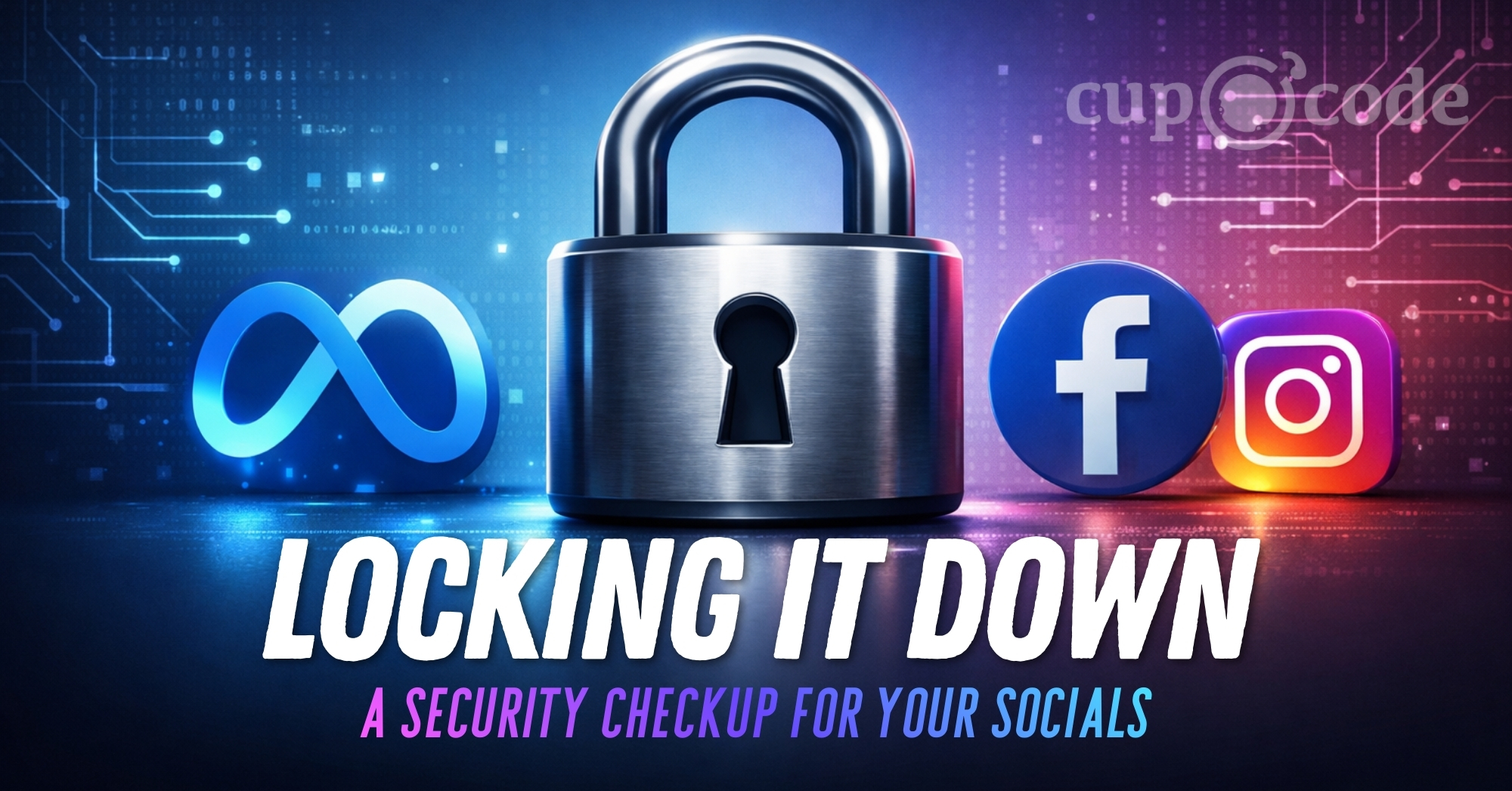
Losing access to a social media account is more than inconvenient. It can be a truly terrifying experience. One moment, you’re locked out, and the next, your name and reputation are being misused as scammers or bad actors send messages, post content, or contact your friends and clients for harmful purposes. The sense of helplessness, urgency, and violation is real, and the damage can feel deeply personal and tough to repair.
Protecting your personal and business social accounts is one of the most important steps you can take for peace of mind. With just a little effort now, you can avoid headaches later.
Here are 7 actionable steps you can take today to secure your socials.
Quick Security Checklist
Before we dive into the details, here’s a quick checklist to secure your accounts:
- Turn on Two-Factor Authentication (2FA) everywhere
- Protect your email & accounts using strong, unique passwords
- Check your email regularly, verify suspicious messages by logging into your accounts
- Avoid using public Wi-Fi for sensitive tasks
- Learn to spot phishing and scam attempts
- Lock down business accounts and manage access carefully
- Slow down and pause before responding to urgent messages
Let’s discuss each of these steps in more detail next.
1. Turn On Two-Factor Authentication (2FA) Everywhere
This is non-negotiable. If you take only one thing away from this post about how to secure your socials, let it be this. Two-Factor Authentication (2FA) requires a second step, like a code or approval, to log in. This means even if someone steals your password, they still cannot access your account without that second key.
Most account takeovers happen simply because someone gets your password. 2FA stops them cold.
Actionable Steps:
- Download an authenticator app like Google Authenticator or Microsoft Authenticator. Avoid SMS text codes if possible, as phone numbers can be hijacked.
- Turn it on for Facebook, Instagram, your email accounts, and especially your Apple ID or Google account.
- How-to: Set up 2FA on Facebook | Set up 2FA on Instagram
2. Protect Your Email & Accounts Using Strong, Unique Passwords
Your email is the skeleton key to your digital life. If someone gets in, they can unlock nearly every account you have by resetting passwords. That’s why keeping your email secure and using strong, unique passwords everywhere is crucial. Many social account hacks start with a compromised email, not a direct breach of Facebook or Instagram.
What makes a strong password?
- At least 12 characters long (longer is better)
- A mix of uppercase and lowercase letters
- At least one number and one special character (e.g., @, #, $, %)
- No easily guessed info like your name, birthdate, or common words
- Never reused on multiple accounts
Actionable Steps:
- Set a strong, unique password for your email and every other account.
- Don’t try to remember them all! Use a password manager (like 1Password, Bitwarden, or LastPass) to generate and store complex passwords.
- Review recent login activity for your email to check for unauthorized access.
- Change any reused or weak passwords right away.
- Resources: Check Gmail Security | Outlook Security Settings | Forbes: Best Password Managers
3. Check Your Email and Respond to Inquiries Promptly
Staying vigilant about your email inbox is essential for keeping your socials secure. Regularly check your email, especially accounts linked to your social and business profiles, and be cautious if you receive messages that look suspicious, such as security alerts or change notifications. Rather than clicking links or attachments in these emails, log into the relevant platform directly to verify if any action is required. This is particularly important for Google Business Profile owners: if you don’t respond to suggested edits or ownership requests emailed to your account within a set timeframe, unwanted changes can be automatically applied.
Actionable Steps:
- Check your email at least once a day, especially the inbox linked to your social and business accounts.
- Avoid clicking links or downloading attachments from emails you weren’t expecting or that look suspicious; instead, visit the platform directly.
- For Google Business Profile, watch for “Google Update” emails and respond to any suggested edits or ownership requests to prevent unauthorized changes by logging into your account.
- Set reminders to review your Google Business Profile email regularly and act immediately if you notice anything unfamiliar.
4. Public Wi-Fi Is a Risk
Airports, hotels, coffee shops, and cruise ships are high-risk zones. While it is tempting to check your ad stats while sipping a latte at the cafe, public Wi-Fi networks are often unsecured. Hackers can intercept traffic on these shared networks or even set up fake portals that look legitimate to capture your credentials silently. Here’s a Facebook video where our very own Tim at Cup O Code demonstrates how easy it is to do this.
Actionable Steps:
- Treat public Wi-Fi like a crowded room. If you wouldn’t shout your password out loud there, don’t type it into a device connected to their network.
- Use your phone’s hotspot instead.
- Wait until you are on a secure home network to log into your social media, access email, or enter payment info.
5. Learn to Spot Fakes
Hackers rarely break in through brute force; they trick you into opening the door. Phishing scams are getting sophisticated, often posing as “Meta Support” or “Instagram Security” claiming your account will be disabled if you do not act immediately.
Red Flags:
- Urgent pressure to act fast (e.g., “Suspicious activity detected,” “Account disabled in 24 hours”).
- Messages asking you to click a link to “verify” your account.
- Poor grammar or strange formatting.
- Fuzzy or low-quality images or logos.
- A lack of professional contact info including phone, website and email address in the signature.
- The sender’s email address is slightly off or doesn’t match a valid business URL. Look for subtle misspellings or unusual domains.
Actionable Steps:
- Never click links in DMs or emails about your account status.
- Always check the sender’s actual email address to see if it matches a legitimate business website.
- If you spot a fraudulent or suspicious sender email, report it to the business through their official website’s support or contact page.
- Open a new browser tab and go directly to the platform (Facebook.com, etc.) to check your notifications there. If there is a real issue, the platform will alert you inside the app, not via a DM from a random user.
6. Lock Down Business Accounts
Business accounts are prime targets because they are often attached to payment methods for ads. If you run a business page, you need extra protection to secure your socials.
Actionable Steps:
- Never let freelancers or agencies log in as you. Use Business Manager to assign them specific roles.
- Limit admin access to only those who absolutely need it.
- Require 2FA for all admins on your page. We cannot stress the importance of this enough!
- How-to: Manage Roles in Meta Business Suite
7. Slow Down
Most hacks succeed because we are rushed, distracted, or traveling. Urgency is the enemy of security. When you see a terrifying message claiming you are about to lose your account, your instinct is to panic and fix it immediately. That is exactly what the scammer wants.
Actionable Steps:
- Pause. Take a breath.
- Verify the claim through official channels before you click or reply.
- Assume it is a scam until proven otherwise.
Legal Actions and Platform Accountability
Increasingly, there is public attention and legal action around the responsibilities of platforms like Meta (Facebook and Instagram) to protect users. Many individuals and businesses have faced devastating consequences from account breaches, only to find limited customer support in recovering their accounts or preventing fraud. In response, lawsuits and investigations are working to hold Meta accountable for security lapses and inadequate support following cyber incidents. Lawmakers in the US and other countries are pushing for clearer regulations, more transparency, and improved responses from social media companies when users are targeted by hackers.
If you are interested in learning more, getting involved in legal claims, or supporting accountability efforts, visit Meta Platforms, Inc. | The ClassAction.org Legal News Wire to find current options and information.
For additional advice on protecting your personal information, check out this resource from the FTC: Protect Your Personal Information From Hackers and Scammers.
A Simple Mindset Shift
Staying safe from scams isn’t just about technology; it’s very similar to the common-sense advice given for avoiding physical threats. It’s not about living in fear or limiting your actions, but about building awareness and being proactive in your routines. Most attackers, whether online or offline, are looking for easy targets. If you show you’re alert and use strong protections, they’re much more likely to move on.
At Cup O Code, our goal is to empower you, not make you anxious. By taking a few intentional steps, you can make yourself and your business a much less appealing target. Spend twenty minutes today reviewing this list, and you’ll be further along the path to keeping your socials, and your peace of mind, secure for the future.
If you want support navigating digital best practices, reach out to Cup O Code. We bring years of experience and guidance to help you make smart, confident choices online.