Summary
After thirty days of leaning into "vibe coding," I discovered a massive shift in my mental energy from micro-level syntax to macro-level architecture. By leveraging AI tools to handle the heavy lifting of code generation, I was able to stay several steps ahead in the planning process, accounting for UI issues and scalability before they even materialized. This experiment proved that vibe coding isn't about replacing developer knowledge, but rather weaponizing it to focus on user experience and high-level logic.
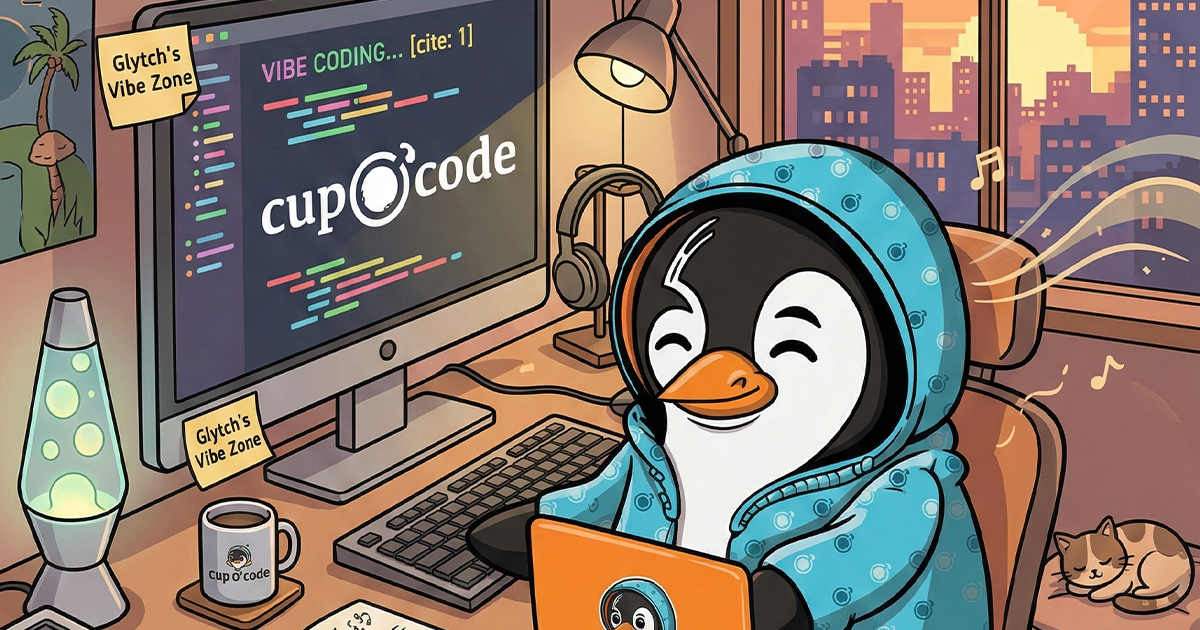
Vibe coding is the latest buzzword to hit the dev world, and after spending a full month living in that headspace, I have some thoughts. If you haven’t heard the term, it basically refers to a high-level approach where you stop obsessing over every semicolon and start focusing on the “vibe” or the architectural intent of the project, usually by leveraging AI tools to handle the heavy lifting of the syntax.
I decided to go all in on this for thirty days. Here is what happened to my brain and why it might be the most significant shift in my workflow since starting Cup O Code.
What is Vibe Coding anyway?
At its core, vibe coding is about shifting from being a “writer of code” to being a “director of logic.” You aren’t just copy-pasting; you are using tools like Antigravity to describe a vision and letting the machine scaffold the reality.
It is less about “how do I write this function” and more about “how should this system feel and scale.” You are moving from the micro to the macro.
The 1,000 Foot View
The biggest change I noticed is where my mental energy actually goes. When I had to manually worry about every single line, every class, and every nested function, my brain was trapped in the weeds.
Now, I can start with a bare bones idea and, while the code is literally being generated or updated, I’m already three steps ahead. I’m planning the next round of implementations or accounting for UI issues that might arise before they even happen. It has allowed me to design projects from a 1000 foot view.
Because I have a background in “traditional” coding, I “pseudo-code” my thoughts. I can see the output, understand exactly what the AI rendered, and then prompt specific changes if I question the logic. It hasn’t replaced my knowledge; it has weaponized it.
Learning Through Conversation
One of the most insightful parts of this month was the “why” factor. Vibe coding often produces sections that I would have built differently. Instead of just overwriting it, I found myself asking the tool, “Why did you do it this way?”
This has turned every project into a learning session. I’m picking up new hooks, functions, and tactics that I never thought to use. It has expanded my mental capacity beyond just trying to get a functional product out the door. Now, I can dial in the details and learn a new feature with every single build.
The Reality Check
Is vibe coding going to give you a 100% production-ready, perfect product with one click? No. It still requires a pilot who knows where the plane is supposed to land.
But it absolutely frees your brain to think about 1,000 other things besides “should I bump this text left” or “should I wrap this in another div.” It forces you to focus on user experience and scalability.
Final Thoughts
After a month, I realized that I’m not just coding faster. I’m thinking better. I’m less fatigued by the syntax and more energized by the architecture. If you have been on the fence about shifting your workflow, give it a month. Your brain might just thank you for the extra breathing room.
*Vibe Coding Internal Use Only Vibe Coding Experiment: The vibe coding project was conducted for internal use only. This approach has not been applied to any customer production code.